
Your field work, connected.
Explore attendance, locations, client visits and travel claims for your field team.
Set up the tools your team will use.
Give managers the right access, choose what employees capture and keep requests ready for review.
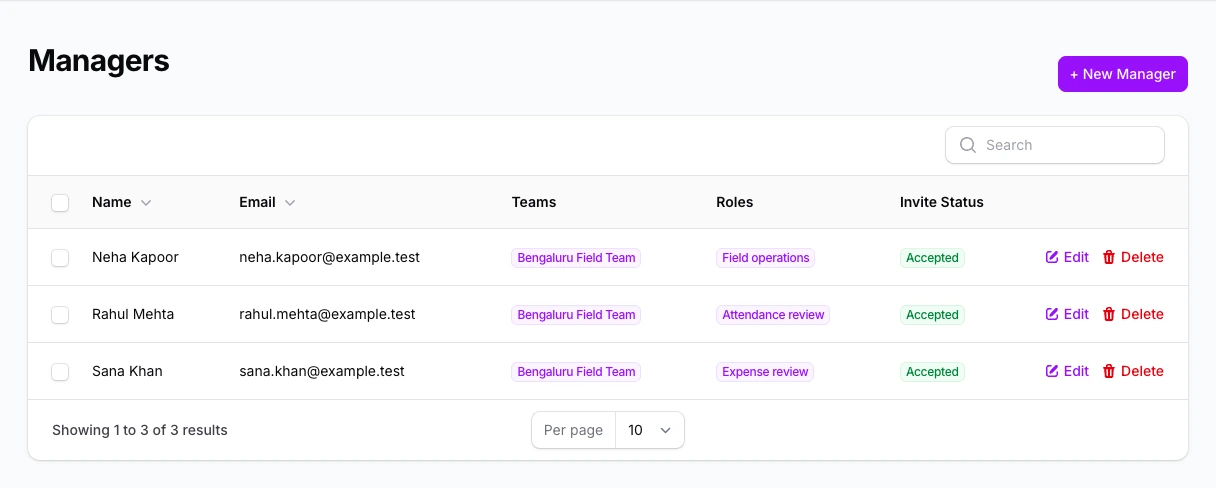
Give each manager the right view.
Organise managers by team and role so responsibilities are clear as the team grows.
- Review managers, teams and roles together
- Keep an eye on invitation status
Decide what employees capture.
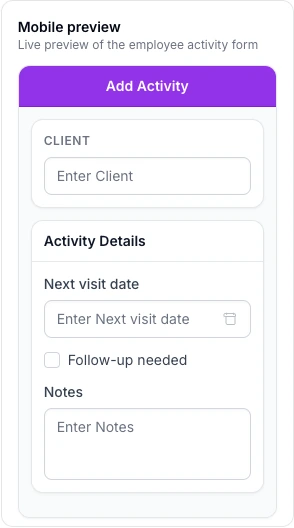
Choose the fields employees see when recording a visit, then check the mobile preview.
- Add fields for the next visit and follow-up
- Preview the form before saving
Keep requests ready for a decision.
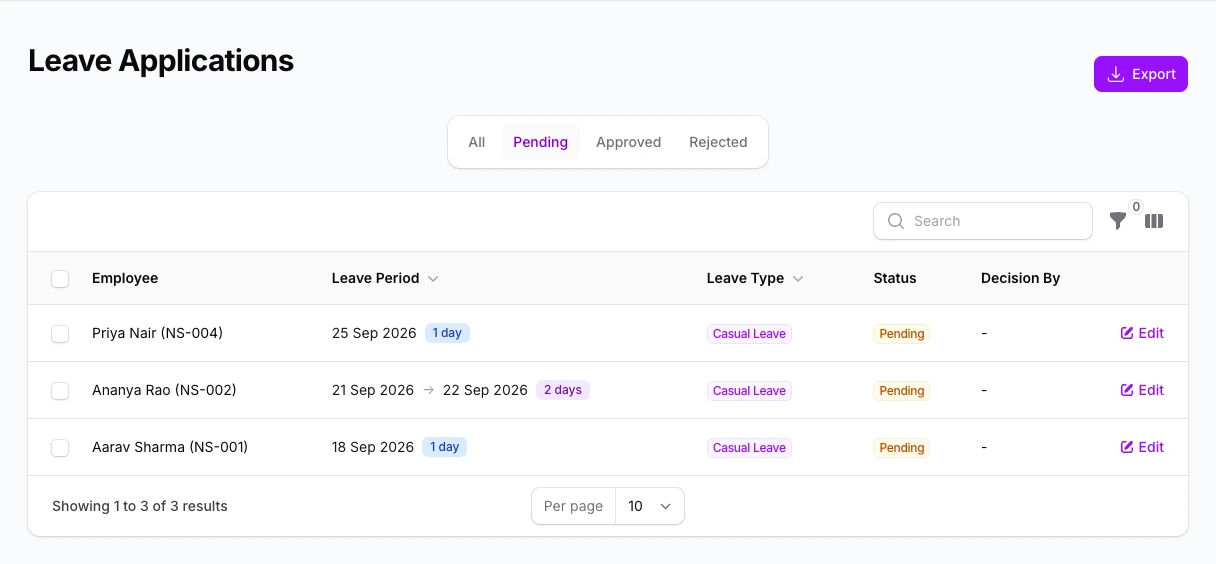
Review leave requests by their current status and open the ones that need your attention.
- Switch between pending and reviewed requests
- Keep approval status visible to the team
Free and Pro, compared.
| What your team needs | Free | Pro |
|---|---|---|
| Team size | Up to 3 employees | Paid per employee |
| Location map & daily timeline | Included | Included |
| Basic attendance & leave requests | Included | Included |
| Client visit locations & custom fields | Not included | Included |
| Conveyance rates & claim review | Not included | Included |
| Managers, roles & permissions | Not included | Included |
A few practical questions.
Can we start with a small team?
Yes. The Free plan supports up to three employees. Pro adds the field workflows and controls shown in the plan comparison.
Can managers work with their own teams?
NexaSync supports managers, teams and configurable roles and permissions in Pro.
Where can I compare plan prices?
The pricing page shows the available billing terms and the monthly rate per employee, with GST and upfront billing terms explained.
See NexaSync at work.
Tell us which workflows you want to cover in the demo.